
01
MAIN GUIDE · PDF
The Skill-to-Client Blueprint
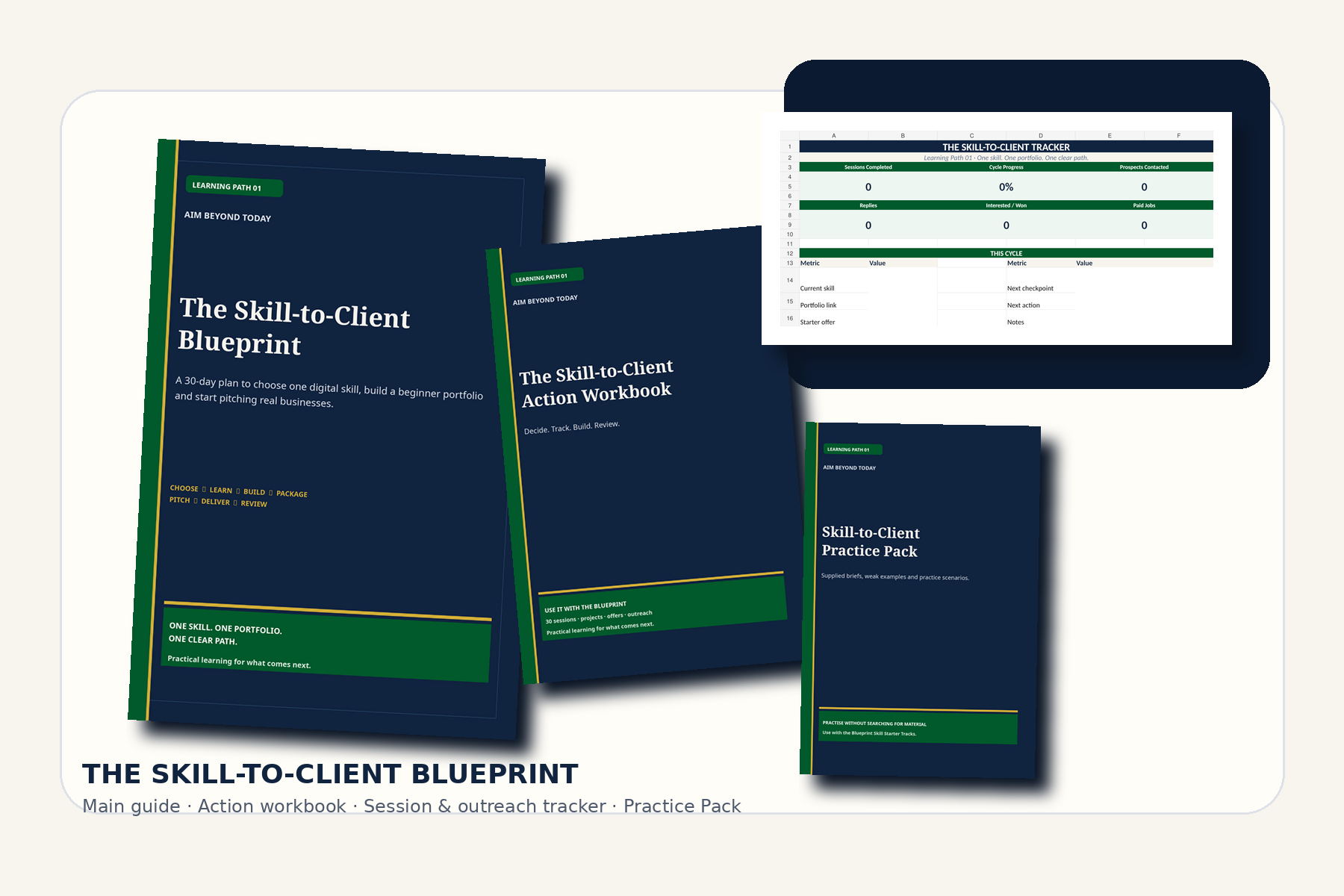
81 pages covering skill choice, starter fundamentals, deliberate practice, portfolio work, service packaging, pricing, outreach and first-job delivery.
Download Blueprint ↓Download your Skill-to-Client files, return to the practice material for your chosen track, and use the current platform links when the Blueprint asks you to check something that can change over time.
You can download the full bundle once, or keep individual files on the devices where you use them.
81 pages covering skill choice, starter fundamentals, deliberate practice, portfolio work, service packaging, pricing, outreach and first-job delivery.
Download Blueprint ↓36 pages of decision work, checkpoints, project planners, Offer Builder, pricing worksheet, quote/invoice templates and Day 30 review.
Download Workbook ↓Track your 30 sessions, prospects, replies, follow-up dates, pricing and payments in one working file.
Download Tracker ↓Fictional briefs, weak writing samples, enquiry lists, scenarios and safe practice prompts for all five starter tracks.
Download Practice Pack ↓More links do not automatically create more progress. Use the resources your day card calls for, complete the practice, then return to the Blueprint.
When your portfolio and offer are ready, platforms can become another route to opportunities. Approval, fees, features and competition can change, so use current official guidance.
Features, fees, account verification, AI tools and payment-provider availability can change. When a step depends on a platform-specific feature, use the official source linked here to confirm the current position.
Bookmark this resource hub so your downloads and current reference links stay easy to find throughout the 30-session cycle.
Open the Blueprint ↓Follow the same 30 sessions interactively, record your projects and outreach, and save a private progress backup. The offline edition is distributed through your verified purchase download, not public media links.
Open the learning portal ↗Portal access is for purchasers. Your checkout email or access instructions may be required. Learner progress is stored on your device; not an accredited qualification.